Supported Douyin links
Paste share text copied from the Douyin app, a v.douyin.com short link or a full douyin.com video URL. The parser extracts the video link automatically.
VidGet parses Douyin video links online. Paste a v.douyin.com short link, a full douyin.com URL or the share text copied from the Douyin app to get direct video or audio stream links in the qualities currently available.
Some Douyin videos may be restricted by platform risk control. Please try again later.
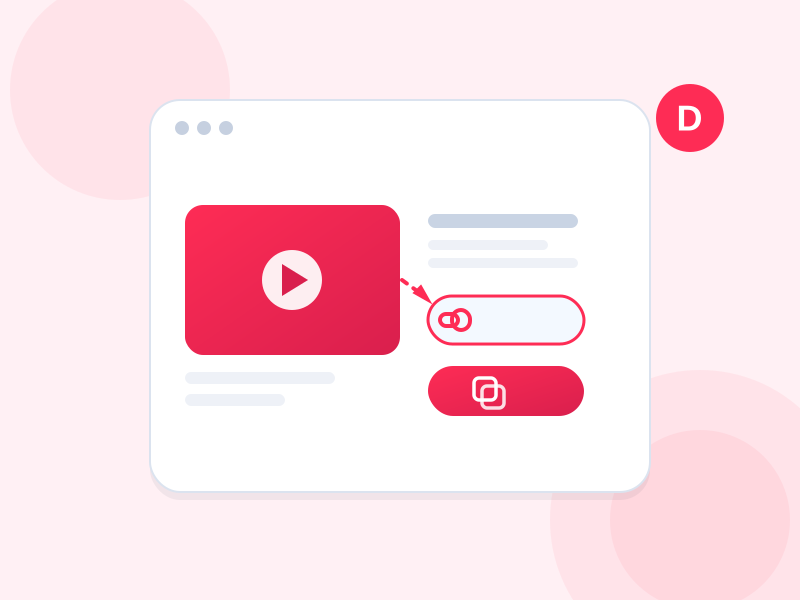
In the Douyin app open the video and tap Share → Copy Link; on the web copy the address bar URL.
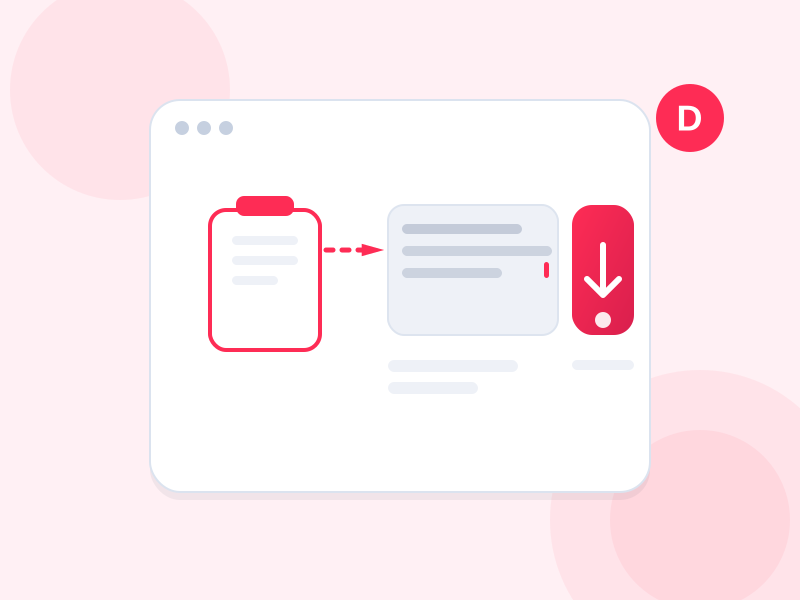
Paste the whole copied text; v.douyin.com short links are recognized automatically.
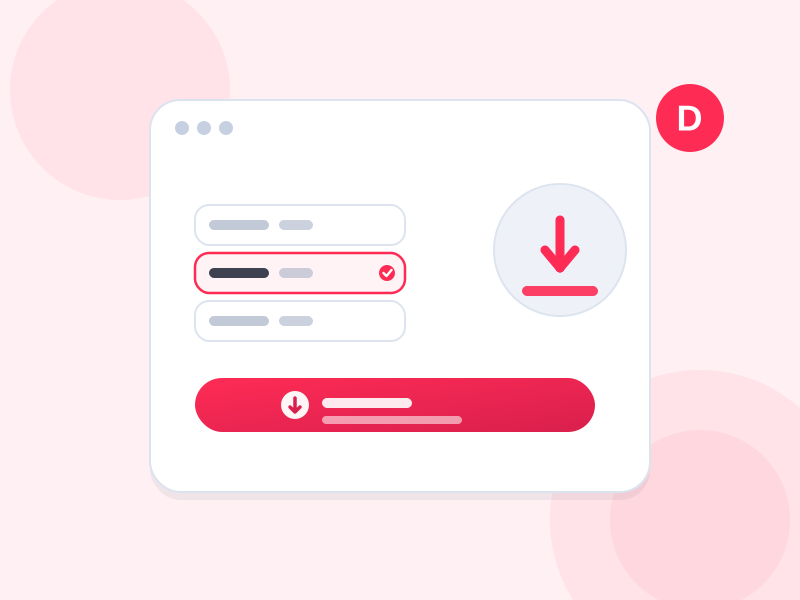
Choose a quality and download through VidGet. If the video is blocked by platform risk control, please try again later.
This page is for users who need to retrieve a Douyin video link, save a public video or organize video material. Results depend on what Douyin currently returns; private, deleted or risk-controlled videos may not be available.
Paste share text copied from the Douyin app, a v.douyin.com short link or a full douyin.com video URL. The parser extracts the video link automatically.
Copy the video link, paste it into the box above and click Parse. When video or audio stream links appear, open them in a browser or copy them into a download tool that supports custom request headers.
Anonymous parsing can only return qualities currently accessible without an account. Some videos may fail because of login requirements, regional restrictions, privacy settings or platform risk control. Retry later or try another network if appropriate.
VidGet only returns direct media links and does not store, merge or distribute video files on the server. Download only content you own or are authorized to use, and follow Douyin terms and copyright law.
Confirm that the link opens normally in a browser, then copy it again and retry. If risk control is triggered, wait a few minutes or try another network. Private, deleted or login-only videos may not be parsable.
The short link must still redirect to a valid Douyin video page. Expired or deleted links, or a network that cannot reach Douyin, may cause a failure. Generate a fresh link from the Douyin app and try again.
Yes. Paste the entire share message and VidGet will extract the v.douyin.com or douyin.com link automatically. You do not need to remove the surrounding text manually.
No. You do not need to log in to VidGet or provide a Douyin account. The parser can only access information available through anonymous requests.
Whether a watermark-free source is returned depends on what the Douyin page currently provides. VidGet cannot guarantee it for every video and does not bypass platform controls or protection.
High-definition, premium or login-only qualities are often unavailable to anonymous requests, so VidGet only returns the currently accessible version. Retrying may help, but a higher quality cannot be guaranteed.
Some high-quality videos use separate video and audio streams. Download both links and merge them locally with a compatible tool to produce a video with sound.
Platform media URLs are usually time-limited and protected against hotlinking. If a link expires or returns 403, return to this page and parse the video again for a fresh address.
Open the media link in Safari. If it plays, use the Share menu to save it to Files or Photos. If the link requires custom request headers, copy it into a compatible download tool instead.
Open the media link in a browser and choose Download, or copy the direct link into a download manager or video tool that supports remote downloads.
No. VidGet only parses pages and returns media links. It does not download, store, merge or distribute video files on the server.
The parser is currently free and does not require an account. Platform-side login, premium and copyright restrictions still affect the content and qualities that can be retrieved.